

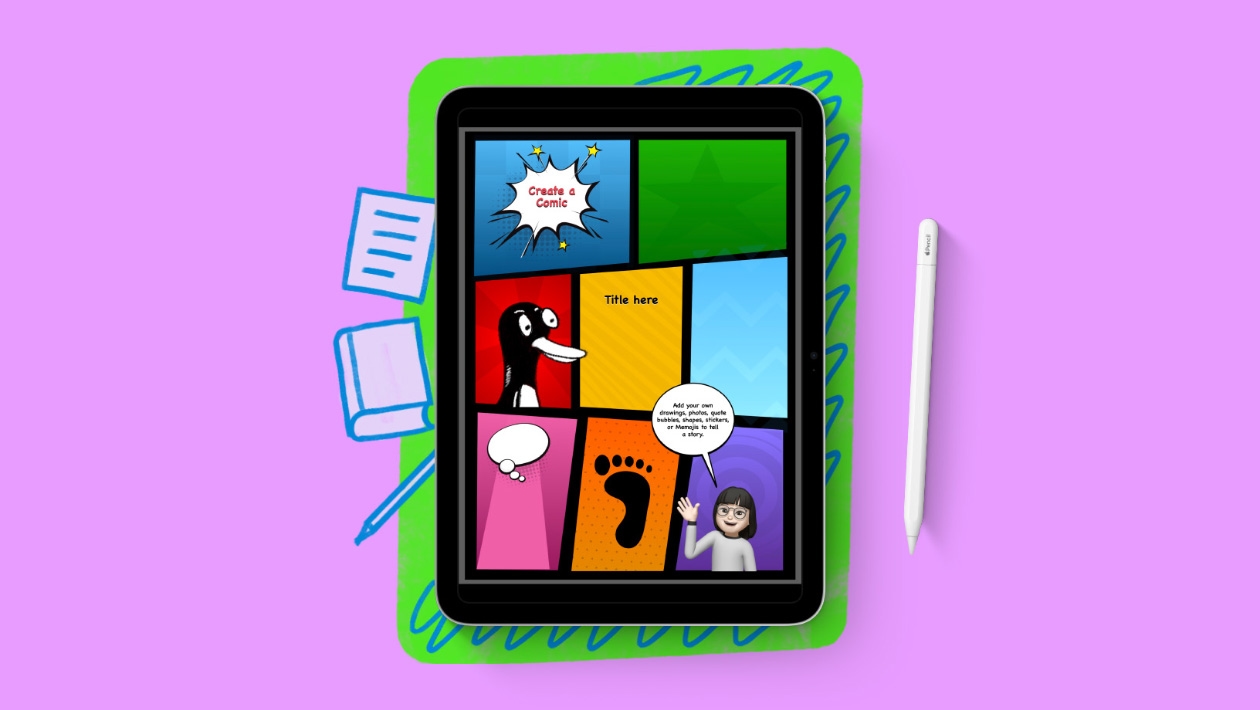
“Creating a Digital Comic with Keynote” is a simple, creative activity designed to help students practice storytelling and sequencing using the native tools of the iPad.
In this lesson, learners design a short 3-panel comic directly in Keynote, using shapes, photos, drawing tools, and speech bubbles to bring their ideas to life.
This activity works with any grade level and can be applied in language arts, social studies, or even science.
It encourages students to communicate visually, think critically about story structure, and use Keynote as a creative production tool — all in a quick, classroom-ready format.








Attach up to 5 files which will be available for other members to download.